Machine Vise
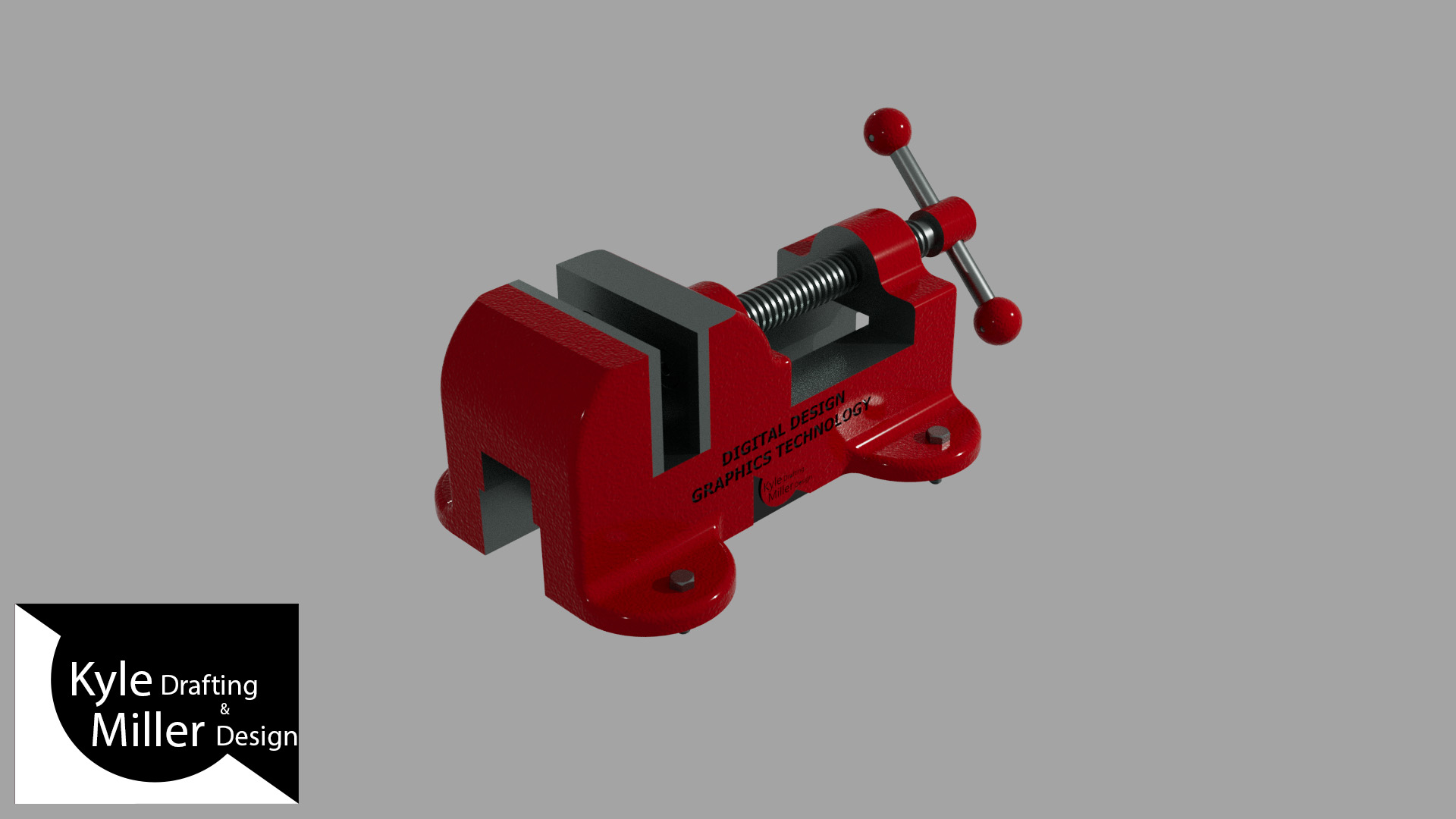
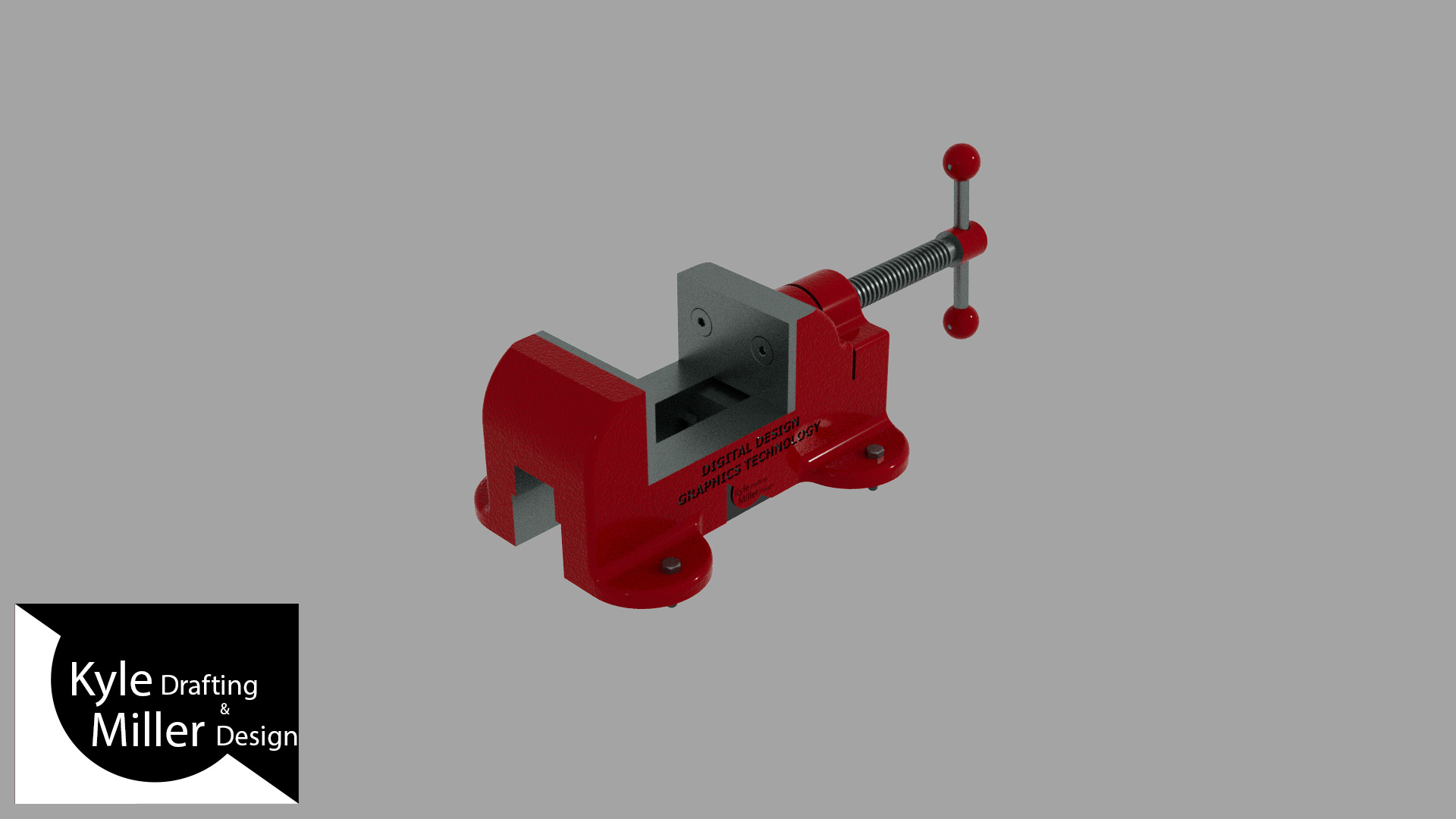
For this project, I used Autodesk Inventor to create a Machine Vise. I created a subassembly for the Vise Screw and then added that to the main assembly that is able to open and close. I then imported the geometry into 3ds Max and used that program to animate it, apply materials and lighting to make it look nice, and add an interesting camera path I could use for an animation. After that I rendered all of the frames that I needed and imported them into Adobe Premiere Pro to make the still images into a video.
|
|||||||||