
In the Fall 2025 semester, one of the main projects was to model the parts of a machine vise in Autodesk Inventor based on a condensed hand-drawn original drawing, then creating a new working drawing set (drawings detailing the necessary features of the part for reproduction) from the modeled parts(see them here). After modeling the parts and creating the drawing, I added a woorkbench surface and mounting bolts for a beauty shot in the next step: animation in Autodesk 3D Studio Max.
In 3D studio Max, I imported the model I had made from Inventor and added special material effects to the parts to make them look closer to how they may look in real life. After adding materials, I then added lighting to help give some life to the assembly's parts. I planned and animated the camera and part movements for each step of the assembly, creating half-sectioned versions of select parts to allow for better viewing of some parts of the assembly. Once the planning was done, I started the process for rendering the frames of the animation, using 3D Studio Max from the Windows command line to render the individual scenes in sequence with a custom batch script.
Once the individual frames were all done being rendered, I moved on to using Adobe Premiere Pro to stitch the frames together into video footage, adding appropriate transitions between the individual scenes, title cards made in Photoshop, and music sourced from the Free Music Archive to break the uncomfortable silence.
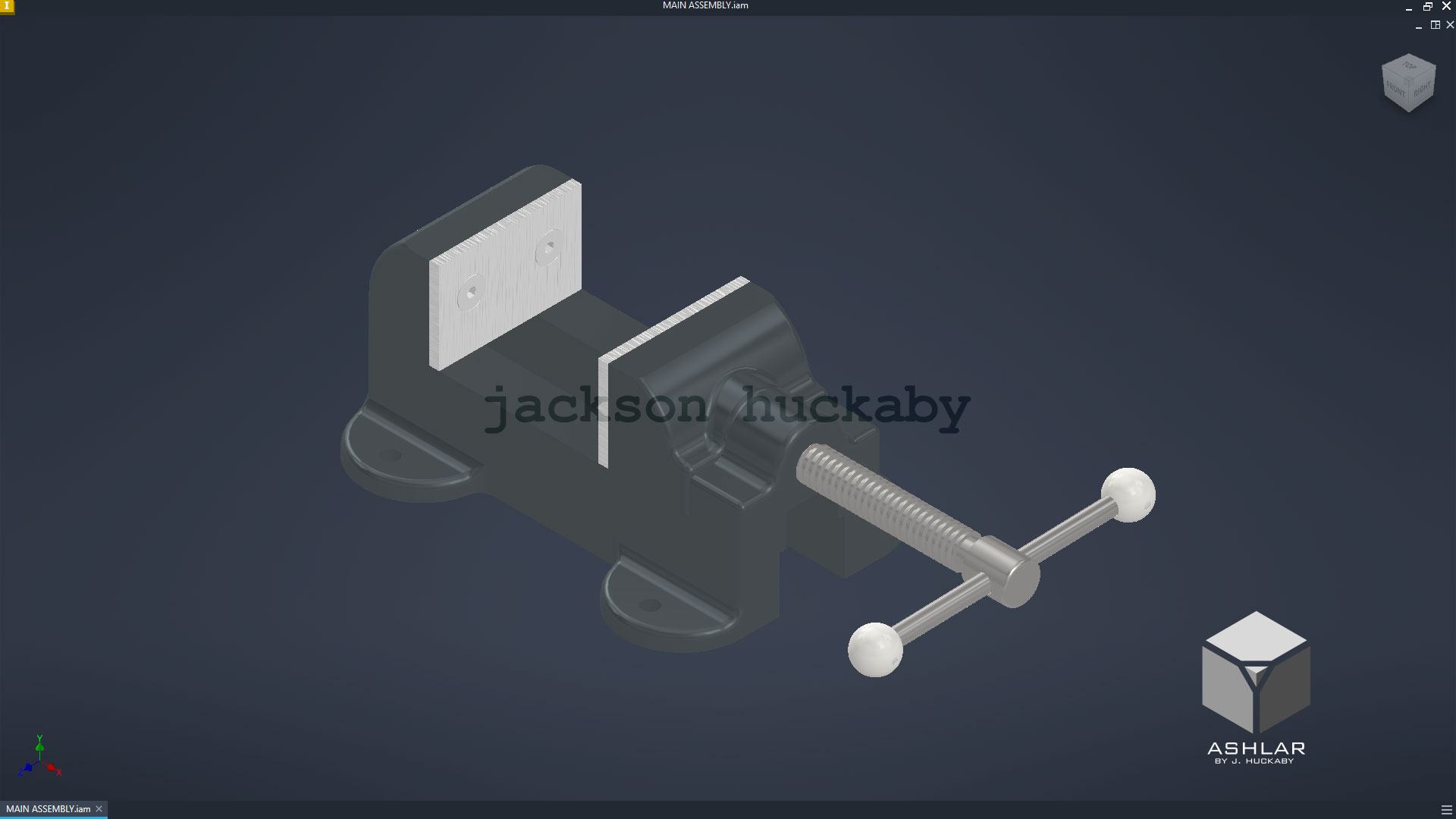
machine vise assembly
|

3DS Max render
|
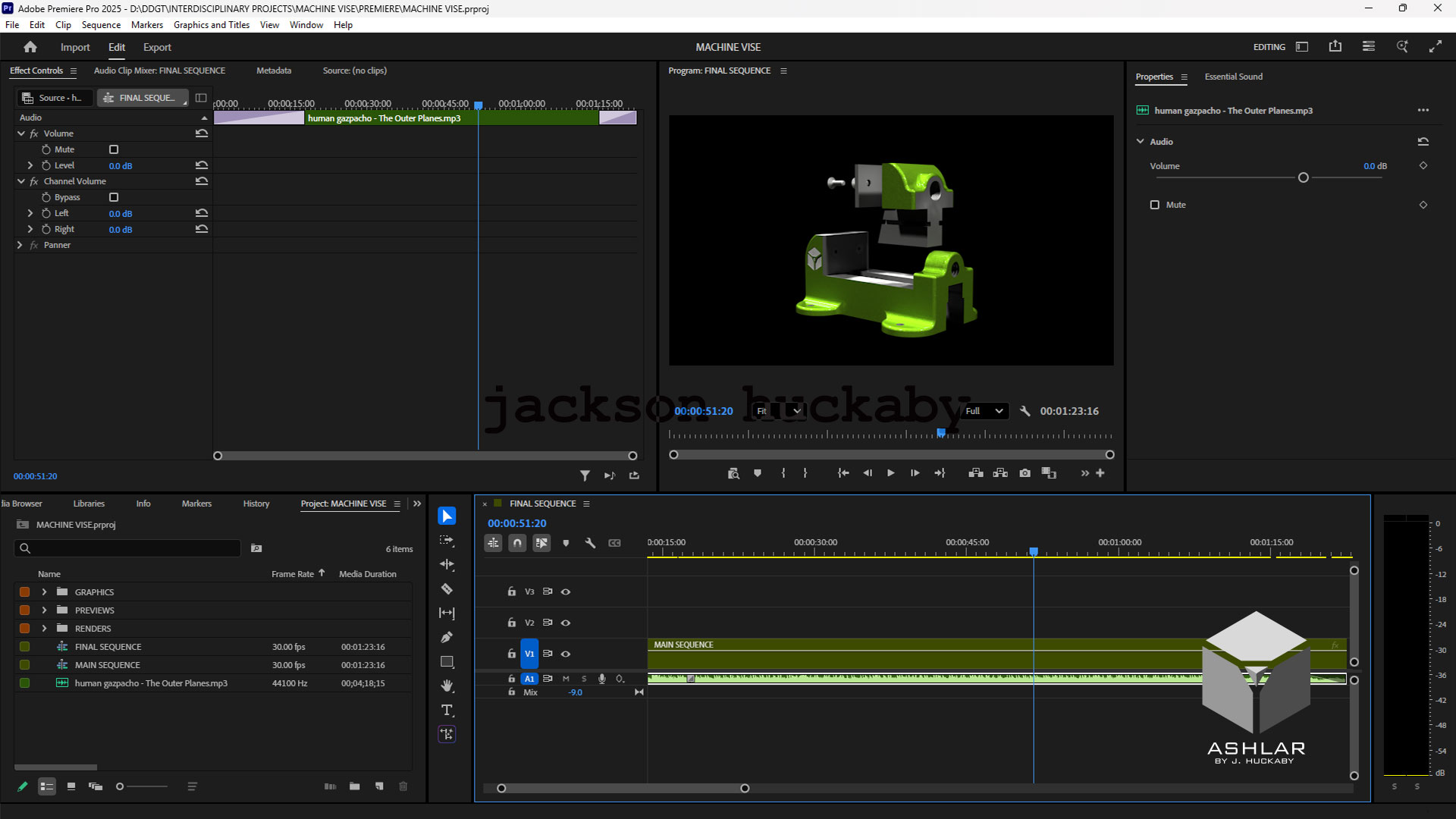
Adobe Premiere Pro
|